Want to learn more about surgical guide planning?
Discover how digital workflows can improve your implant success rates.
Table of Contents
The surgical guide is only as good as the data that built it. And the most common source of error is not the CBCT scan or the planning software — it is the intraoral STL file.
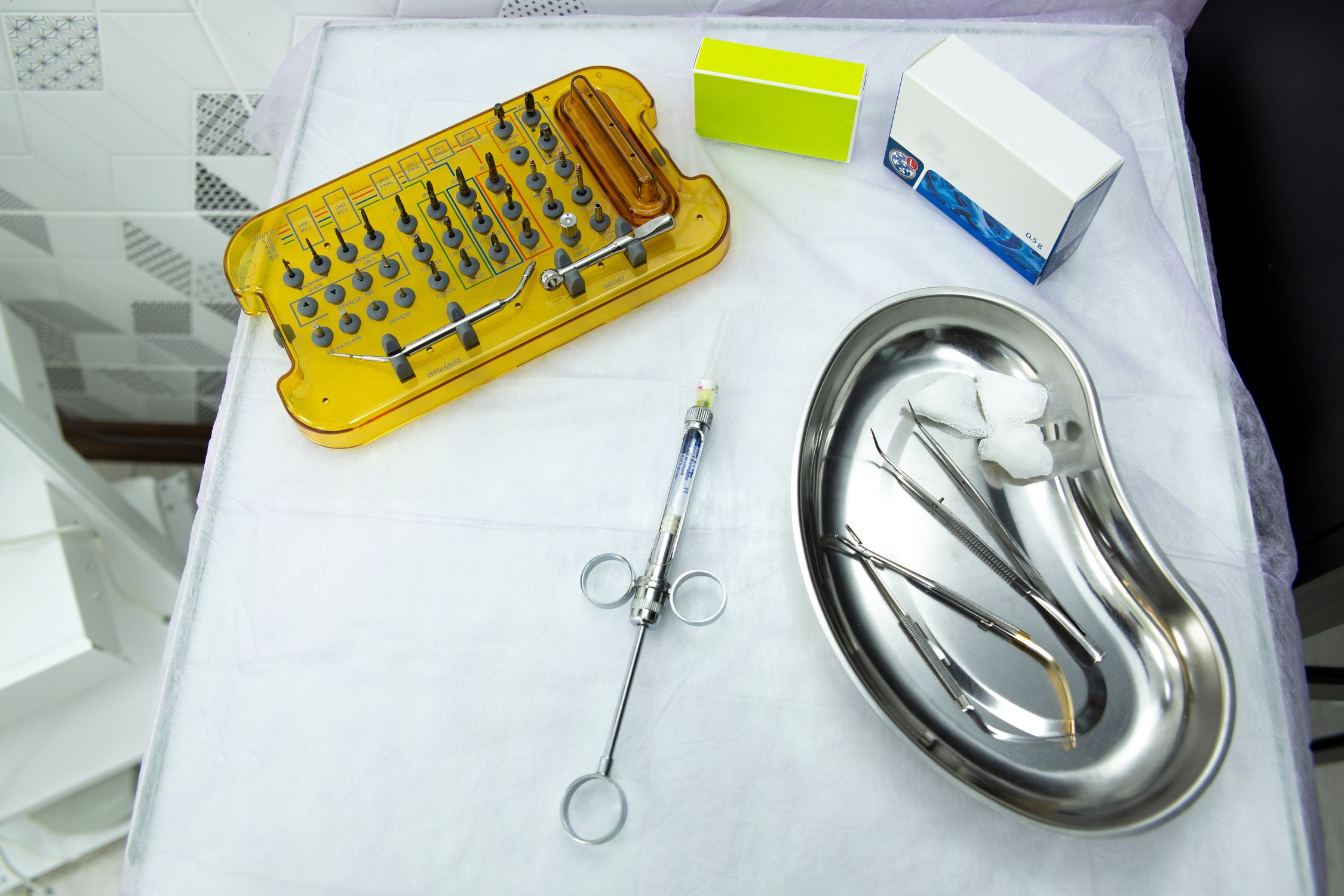
A 3D-printed template that fits over the patient's teeth or tissue and directs drill placement during implant surgery. It transfers the digital treatment plan into precise physical drill positions.
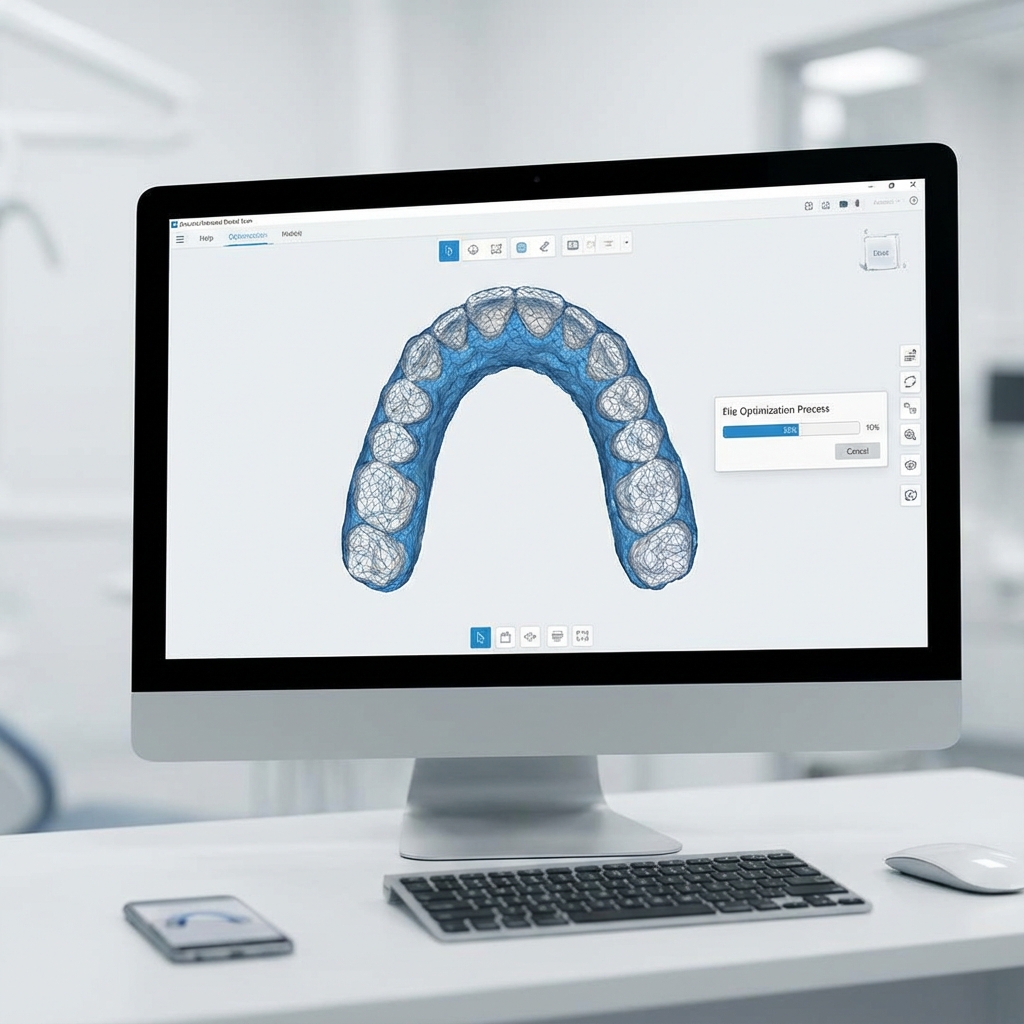
A 3D surface mesh file format used in dental CAD/CAM. Intraoral scanners produce STL files that capture tooth and gingival surfaces for surgical guide fitting.
A 3D imaging technique that captures the jaw, teeth, and bone structure in a single rotational scan. It produces DICOM files used for implant planning, nerve mapping, and surgical guide design.
A noisy, incomplete, or poorly captured STL scan leads to a guide that does not seat properly. And a guide with poor fit is worse than no guide at all — it gives the surgeon false confidence in a compromised position.
Why STL Quality Matters
The STL file serves two critical purposes in surgical guide design:
- Surface reference — it defines where the guide contacts the teeth or gingiva
- Registration anchor — it aligns with the CBCT data to connect surface anatomy with bone anatomy
If either function is compromised, the entire plan shifts. A 0.5mm registration error at the tooth surface can translate to a 1.5mm error at the implant apex.
Common STL Problems
Holes in the Mesh
Missing data from scanning artifacts creates gaps. The guide cannot seat on a surface that does not exist in the digital model.
Noise and Spikes
Saliva, blood, and scanner calibration issues produce random spikes in the mesh surface. These distort guide fit.
Incomplete Margins
Insufficient gingival capture means the guide has no reference for its peripheral seal. This is especially problematic for tissue-supported guides.
Excessive File Size
Some scanners output meshes with millions of triangles. While detail is good, excessive file size slows processing and can crash planning software.
Wrong Orientation
Occasionally, scans arrive inverted or rotated. This wastes time and can lead to mirror-image errors if not caught.
Pre-Scan Best Practices
Good STL quality starts before scanning:
- Dry the scan area — moisture causes artifacts and reflections
- Use retraction — expose subgingival margins for better capture
- Scan systematically — follow a consistent path to avoid gaps
- Extend beyond the area of interest — capture 2-3 teeth beyond the edentulous span
- Verify in real-time — most scanners show coverage gaps during scanning
Post-Scan Optimization Steps
If you receive or export an imperfect scan, these steps improve quality:
- Inspect visually — rotate the model and look for obvious defects
- Remove floating fragments — delete disconnected mesh pieces
- Fill small holes — use automatic mesh repair for gaps under 2mm
- Smooth surfaces — apply light smoothing to reduce noise (avoid over-smoothing critical margins)
- Reduce polygon count — decimate to 500k-1M triangles if the file exceeds 50MB
- Export as binary STL — binary format is 5-10x smaller than ASCII
CBCT-STL Registration Tips
The final step is aligning the STL with the CBCT:
- Use stable reference points — teeth with clear anatomy, not smooth surfaces
- Select at least 3-4 well-distributed points across the arch
- Verify alignment in sagittal, coronal, and axial planes
- Check that tooth roots in the STL match tooth roots in the CBCT
Misregistration is the single most common source of surgical guide error. Taking 5 extra minutes to verify alignment can save hours in the operating room.
Scanner Compatibility
At SurgicalGuide.Pro, we accept STL files from every major intraoral scanner:
- Medit i700 / i600
- 3Shape Trios 3 / 4 / 5
- Dentsply Primescan
- Carestream CS 3800
- iTero Element 5D
- Shining 3D Aoralscan
All standard STL and PLY formats are supported.
Ready to streamline your surgical guide workflow?
Join 200+ dental professionals who trust SurgicalGuide.Pro for precision planning.